- Go to the School Planner sign-in page.
- Enter your school email address and password, then press Log in. Ticking Remember me keeps you signed in on that device.
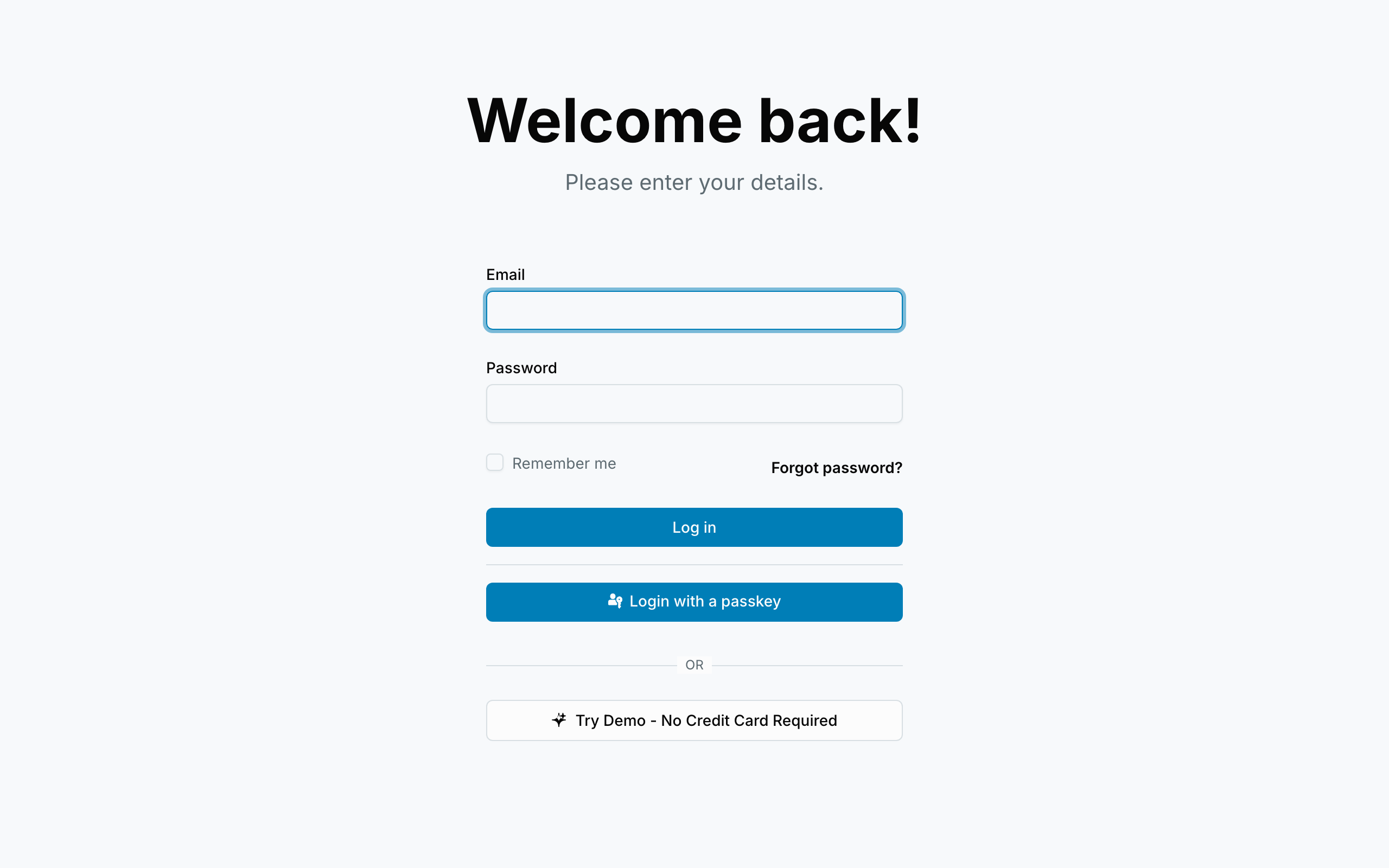
Other ways in:
- A "Continue with…" button — if your district uses single sign-on, use that button and sign in with your usual school account. No separate password to remember.
- A passkey — if you've set one up, you can sign in with your fingerprint or face instead of typing a password.
When you can't get in:
- Forgot your password? Use the Forgot password link. We'll email you a reset link — check spam if it doesn't arrive within a couple of minutes.
- Asked for a verification code? We sometimes email a short code to confirm it's really you. Type it in exactly as it appears in the email.
- No account yet? You need an invitation from your school admin, or you can request to join your school from the sign-up page.
Example: Ms. Delgado typed her password wrong three times, used Forgot password, and the reset email was in her spam folder. One click later she'd set a new password and was back in.